Member Guide
Get the UGB app on your phone
Four easy steps: install the app, register your account, start a round, and record scores. This guide works for both iPhone and Android.
Share this PDF with fellow members via WhatsApp, email or print.
Step 1 — Install the app
Add UGB to your home screen for one-tap access.
Open Safari
Visit ugbgolf.com in Safari. Safari is required — other browsers on iOS won't show the option.
Tap Share
Tap the Share button at the bottom of Safari (rectangle with an arrow pointing up).
Add to Home Screen
Scroll down in the share sheet and tap 'Add to Home Screen'.
Tap Add
Tap 'Add' in the top right. The UGB icon now lives on your home screen like any app.
Step 2 — Register your account
Create your member account and wait for committee approval.
Go to Register
Open the UGB app or visit ugbgolf.com/register. Tap 'Join UGB' or 'Become a member'.
Enter your details
Fill in your first name, last name, email address, and mobile number.
Enter membership number
Type your UGB membership number (e.g. UGB-001). The system checks it automatically.
Club & handicap
Enter your home club name and your current handicap index.
Create password
Choose a secure password with at least 8 characters, then tap 'Create account'.
Wait for approval
Your account is pending committee review. You'll receive an email once approved.
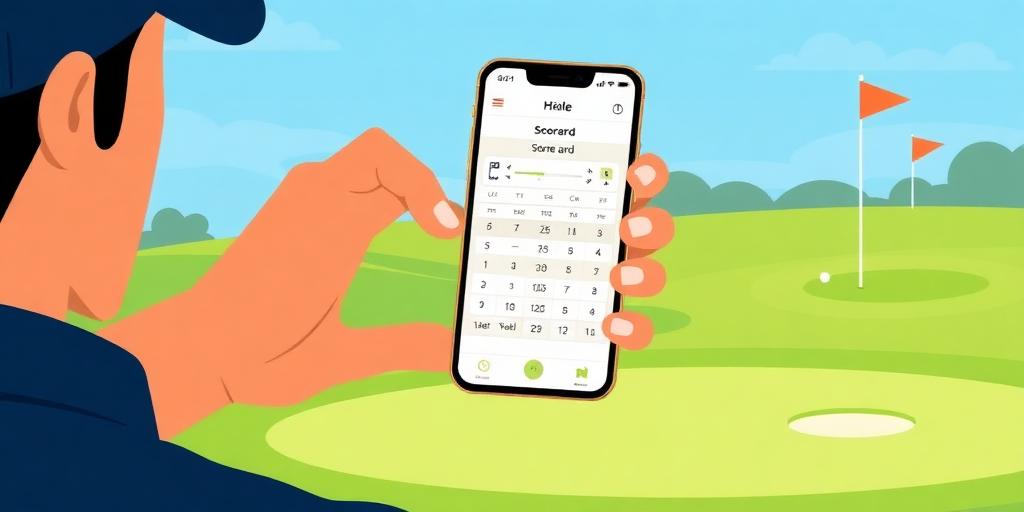
Step 3 — Start a round
Record a casual round with your group in seconds.
Go to My Rounds
Sign in and tap 'My Rounds' from the dashboard or side menu.
Tap Start round
Tap the green 'Start round' button at the top of the page.
Pick the course
Select the golf course you played from the dropdown list.
Add players
Search and add every member who played. You are added automatically.
Choose the scorer
Pick who will enter the scores — usually one person per group.
Tap Start round
Review the players and groups, then tap 'Start round' to open the scorecard.
Step 4 — Record scores easily
Enter strokes hole by hole as you play. Real-time for the whole group.
Open the scorecard
Tap 'Scorecard' on any in-progress round from My Rounds. The layout shows each player's card.
Tap a hole cell
Tap any empty cell under a player's name to enter strokes for that hole.
Type strokes & save
Type the number of strokes and tap away or press Enter. It saves instantly for everyone.
Watch totals update live
Gross, net, Stableford and vs-par badges update automatically as you type.
Check your progress
The card header shows holes completed (e.g. 9/18) so you know what's left.
Submit when done
After all 18 holes are entered, tap 'Submit for verification'. Solo rounds auto-approve.
Pro tips for fast scoring
- Only the chosen scorer (or an admin) can edit — everyone else sees live updates.
- If you make a mistake, just tap the same cell again and retype.
- Clear a score by deleting the number — the cell goes blank again.
- Use your phone in landscape mode for the widest scorecard view.
Quick tips
What if my membership number is not found?
Double-check the number with your membership card. If you believe it should work, contact the UGB committee.
Can I use the app without installing it?
Yes — just use your phone's browser and visit ugbgolf.com. Installing it simply adds a home screen shortcut for faster access.
What happens after I register?
The committee reviews your application. Once approved, you can sign in and access the full member dashboard, tournaments, and more.
Forgot your password?
Go to the sign-in page and tap 'Forgot?' to reset your password via email.
Who can enter scores?
Only the scorer chosen when the round was started (or an admin) can edit. Everyone else sees live updates automatically.
Can I start a solo round?
Yes — just add yourself as the only player. Solo rounds are great for practice and history, but they don't affect your handicap.
What if I enter the wrong score?
Simply tap the same hole cell again and retype. The new number saves instantly and updates all totals.